The Plyn app
The helmstays with you.
In the Plyn app you see your limit, due dates and payment history. You pay or extend by a month with one button. You log in with a PIN or Face ID, with no password.
- available right away
- whenever you need it
- also in the browser
Sample screens with fictional data.
In the app
Five screens,everything handled.
-
Account
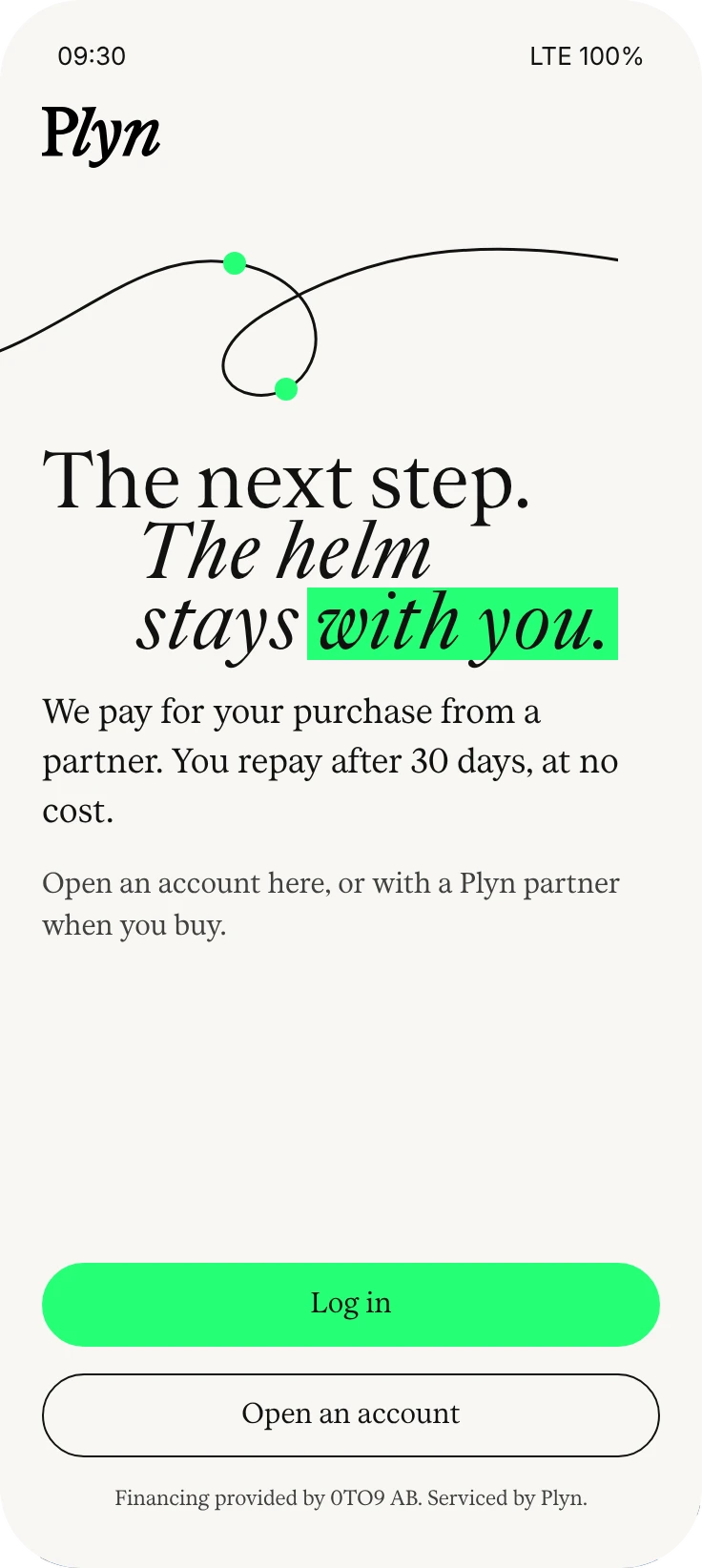
Open it in the app or with a partner, at your first purchase.
-
Limit
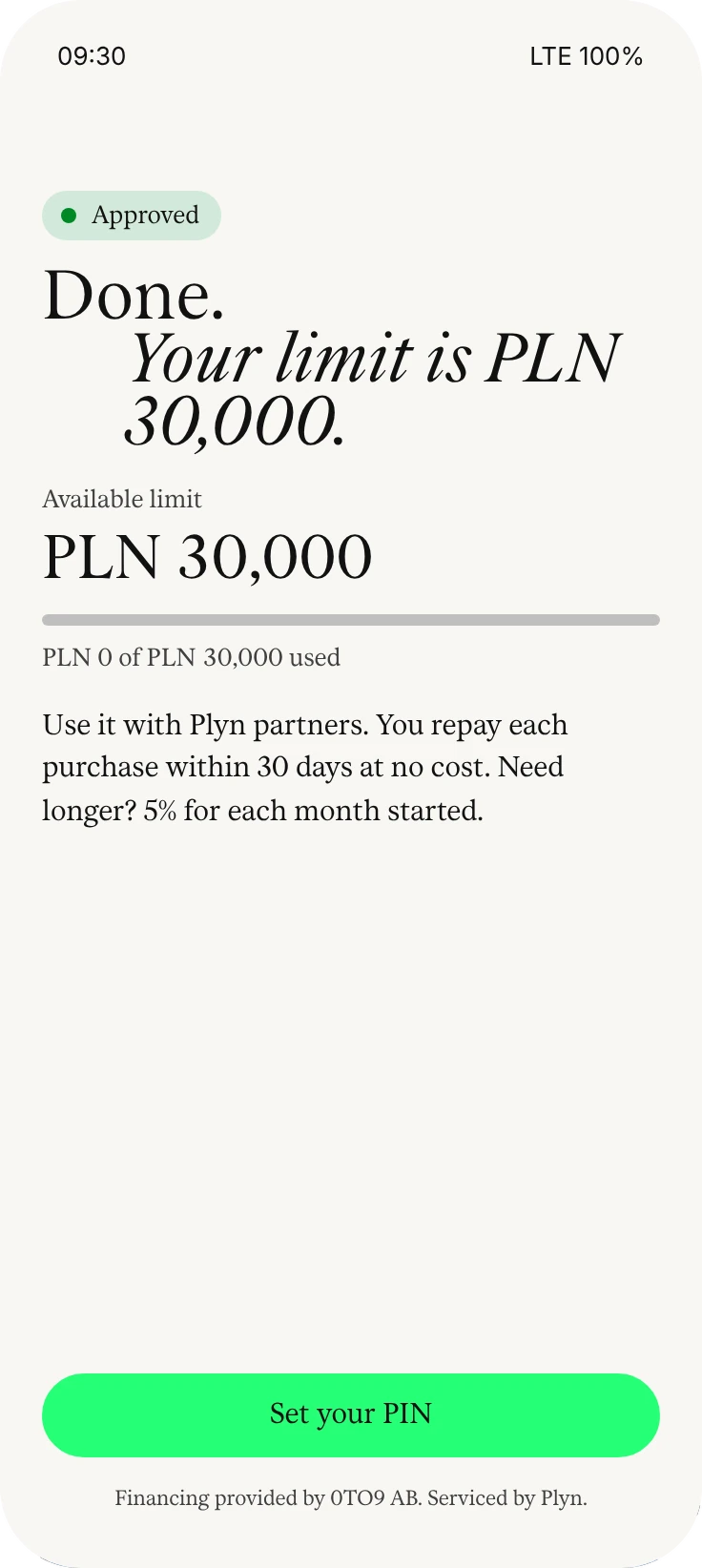
You see it straight after the decision and use it with Plyn partners.
-
Home
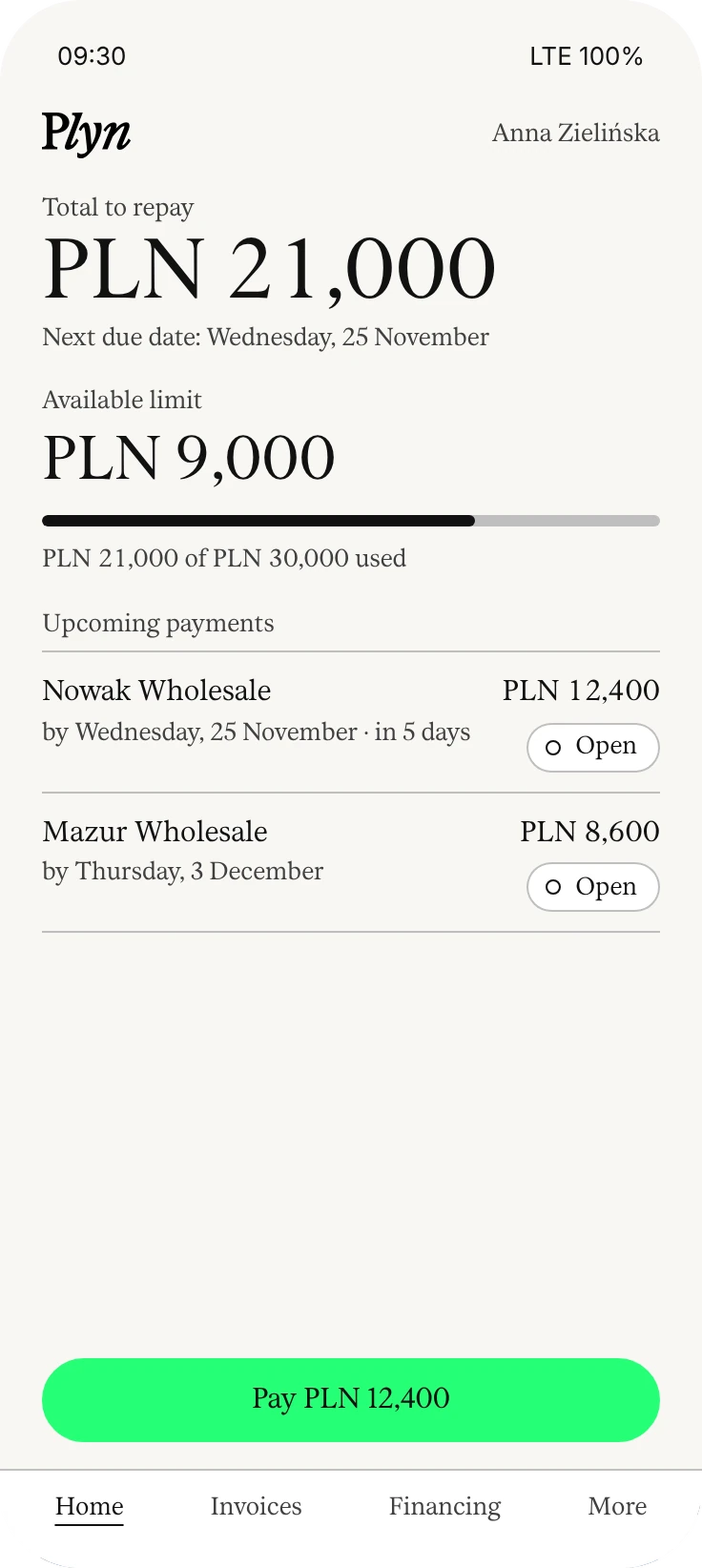
How much you owe, by when, and how much limit is left. You can also ask for a higher limit here.
-
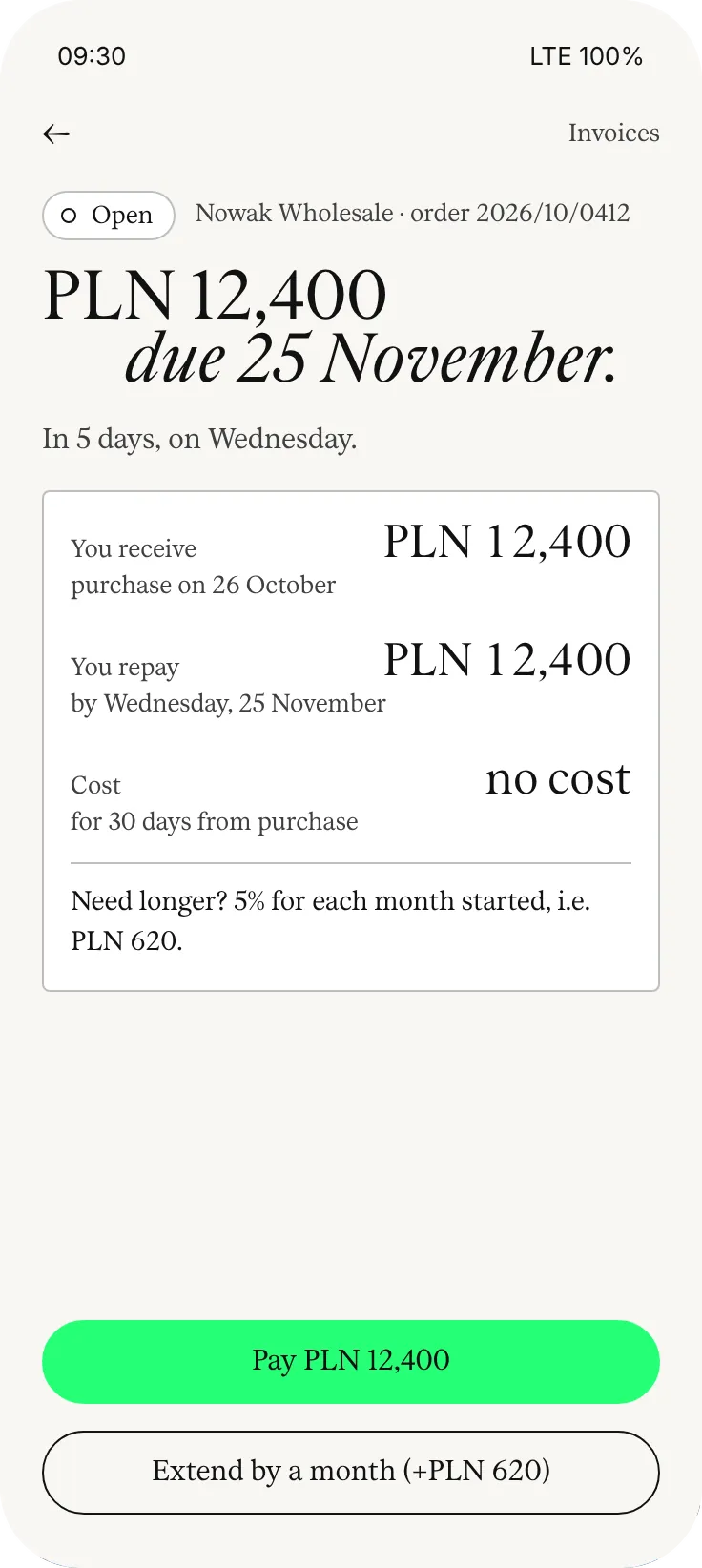
Pay or extend
With one button, on time or a month later.
-
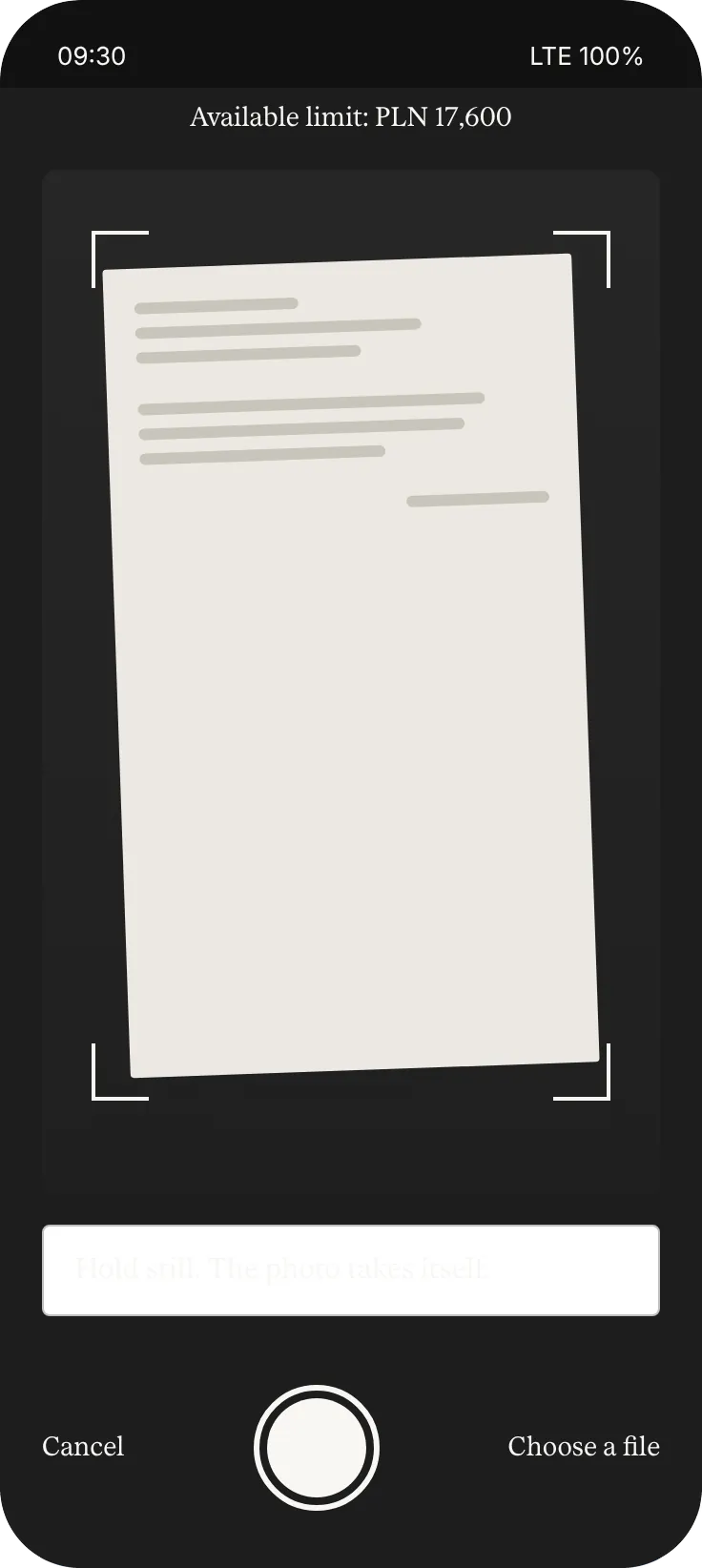
Invoice from a photo
Take a photo of a supplier’s invoice; we check the rest.
Highlights
Fewer taps.More control.
Home screen
How much you owe, by when, and how much limit is left.
Pay or extend
With one button. Extending by a month costs 5% of the remaining amount.
Invoice from a photo
You take a photo of the invoice, we pay the supplier, and you repay within 30 days.
Reminders
We remind you of the due date before it passes.
PIN or Face ID
No password. You only enter a code in the app.
Agreements as PDF
Every agreement and confirmation stays in your history.
Notifications
We remind youbefore the due date.
Plyn writes when something happens: after a purchase, before the due date, after a payment. Each message is one amount and one button. Without the app, you get the same messages by email, and by SMS the day before the due date.
After a purchase
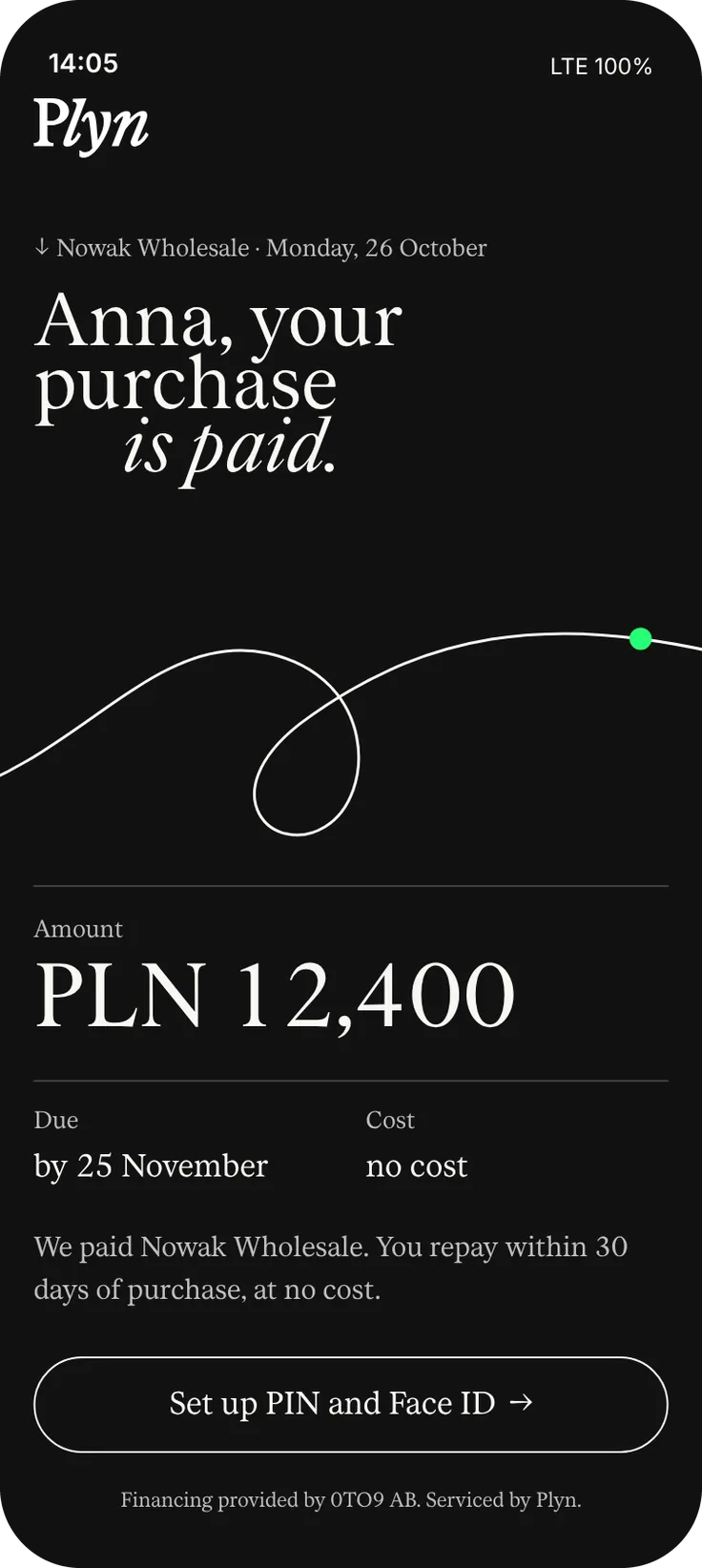
Who we paid, how much, and when you repay.
Before the due date
7 days and one day before: pay or extend by a month.
After a payment
Purchase settled, limit available again. When your limit grows or you have a financing offer, we let you know too.
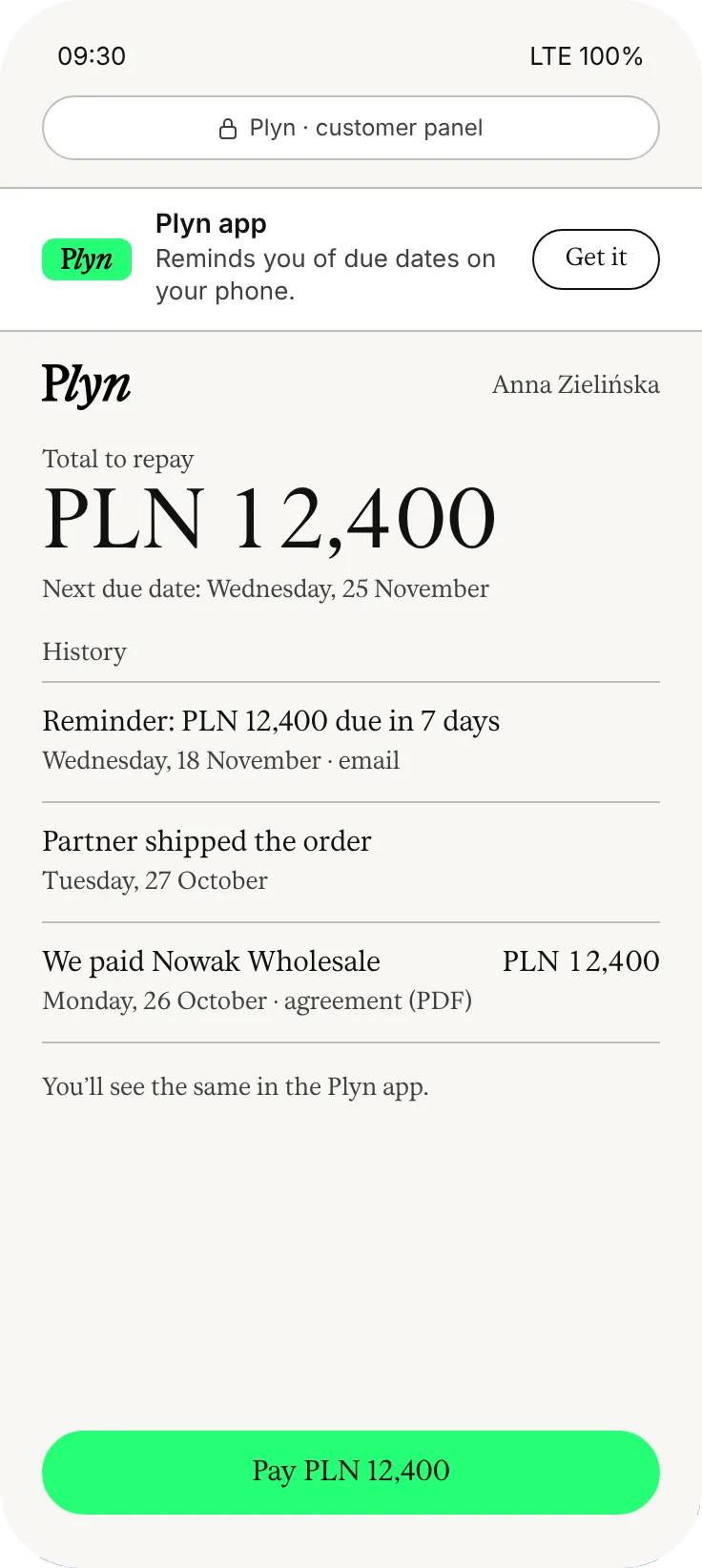
Browser panel
No app?A browser is enough.
You do not have to install the app. You can pay and extend in the browser panel, with the same history. The app adds reminders on your phone.
Questions
The appand logging in.
Do I need the app?
No. You can pay and extend in the browser panel too, with the same history. The app adds reminders on your phone and lets you pay supplier invoices from a photo.
How do I log in to the app?
With a PIN or Face ID. No password.
Where do I log in in the browser?
On the login page, under “Customer / business”.